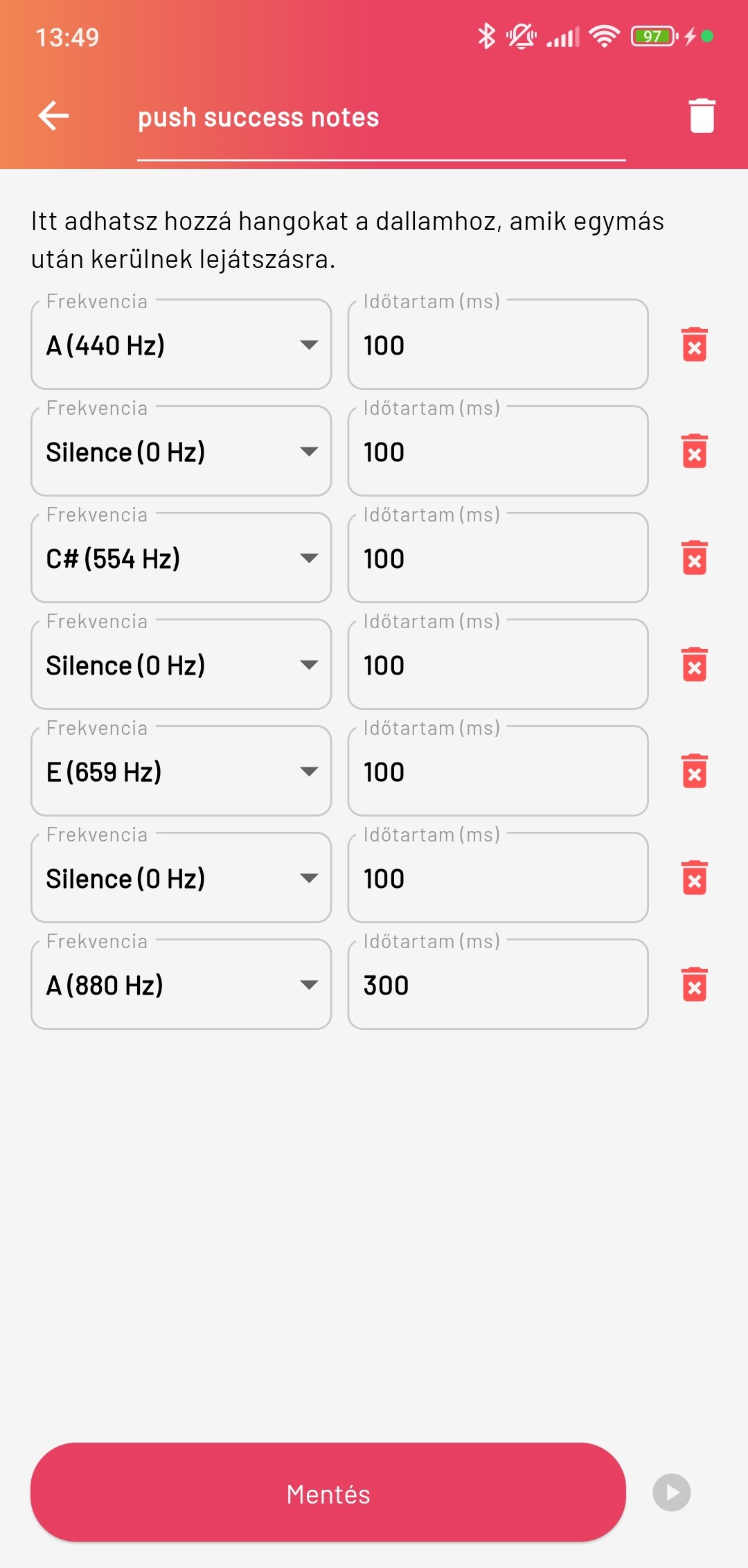
Melody editor
In the Smartive app the melody editor lets you create and edit custom melodies that the system can use for various events, for example alarms or automations.
You find this menu item in the Settings menu.
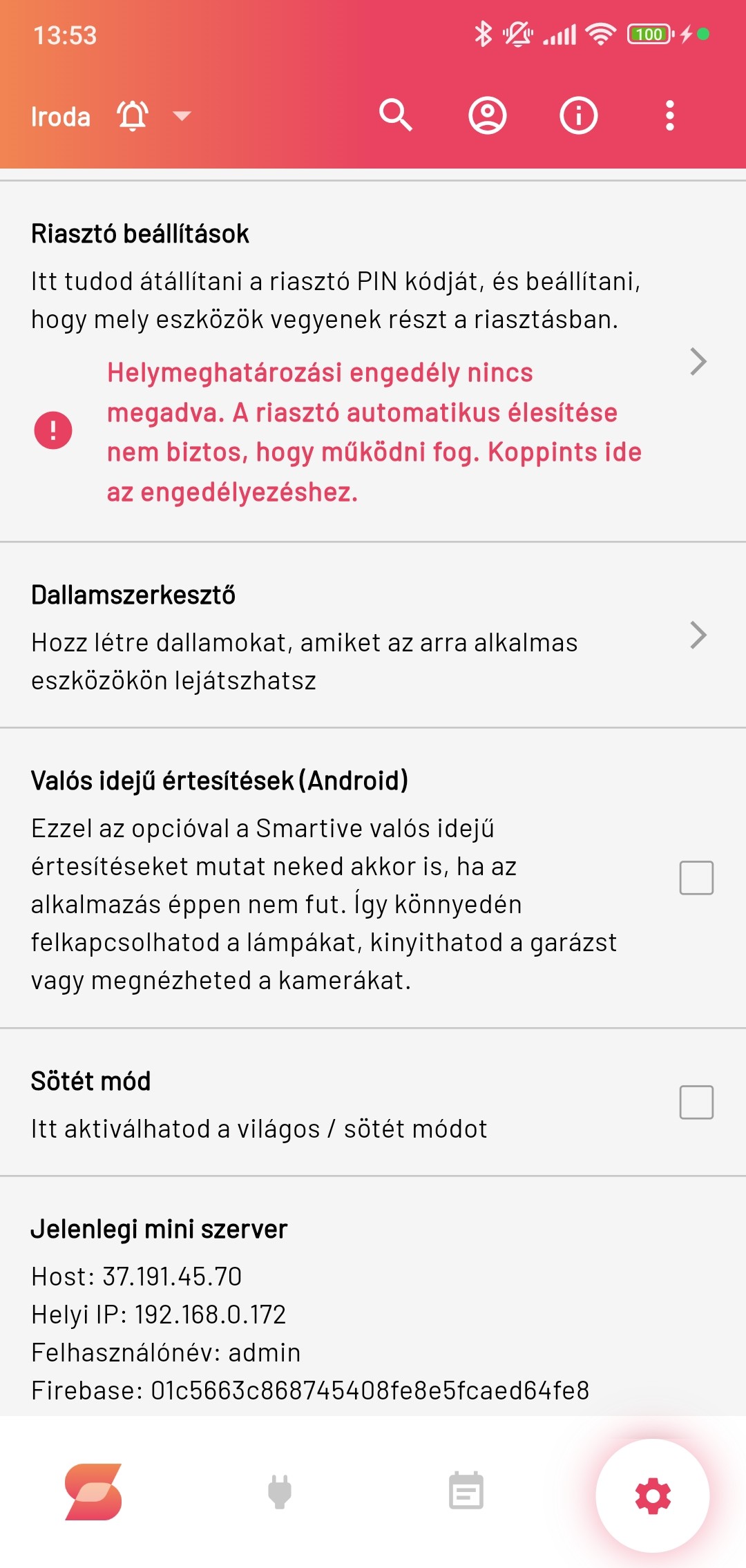
Tapping it shows the list of existing melodies the system can use. Tapping a given melody lets us edit it.
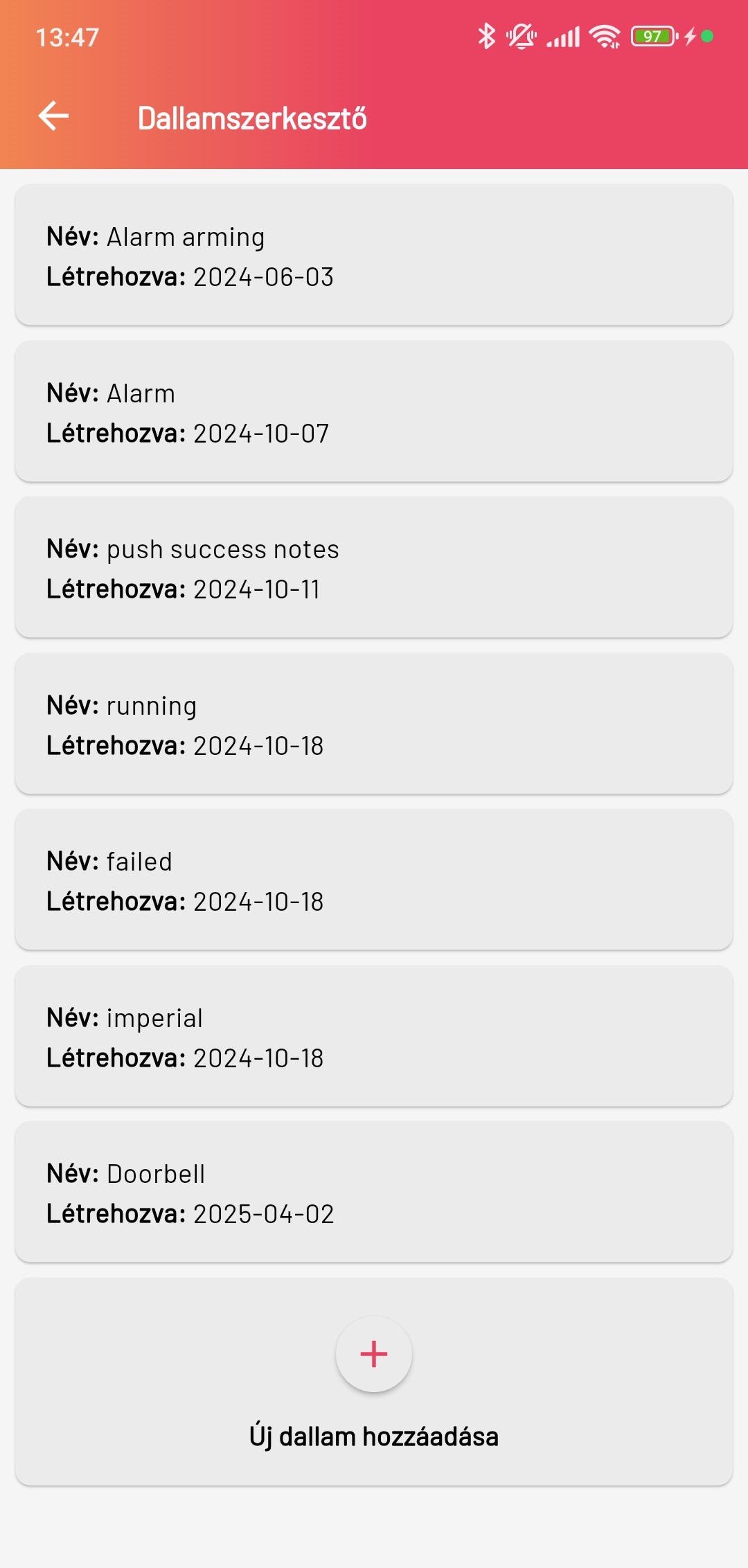
At the bottom of the list is the + Add new melody button. Tapping it navigates to the melody editor screen, where you can create the new melody.
Creating a melody
To create a melody you first need to give it a name, then compose the notes. The list of notes ranges from G(392 Hz) to C(1047 Hz) in half-step increments. In addition the list also includes a Silence with which we can create a pause between two notes, as well as a Custom option where we can enter any Hz value. In addition a note length must also be specified, in milliseconds (ms), for example 1000 ms = 1 second length for the note.