Settings
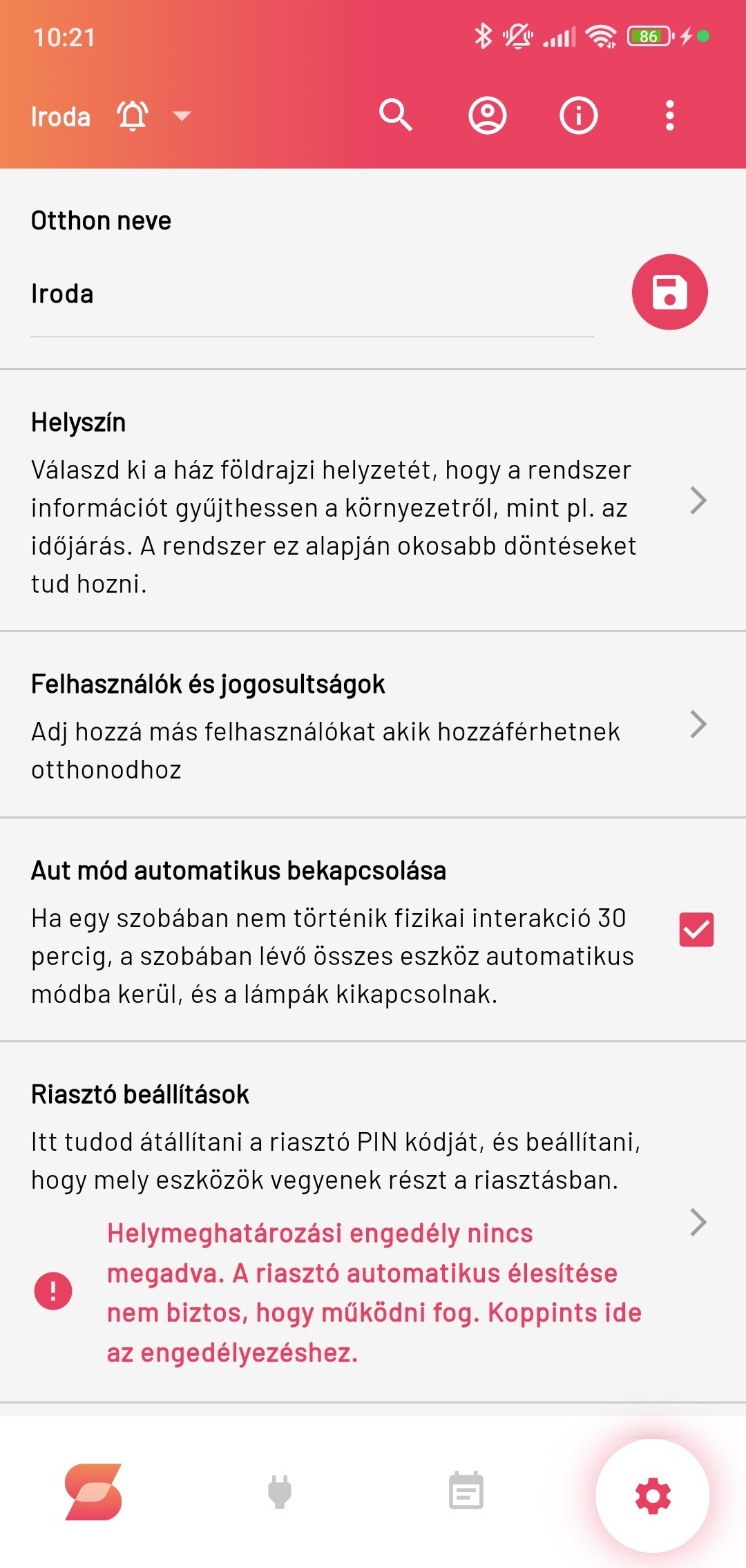
In the Settings menu you can reach the more important functions of the Smartive app, with which you can customize how the system works.
- Home name: Here you can set the name of your home, which appears in the app. This helps identify your system if you manage several homes (e.g. Home, Office).
- Location: Select your geographic location so the system can collect information about the environment, for example the weather. The system can then make smarter decisions.
- Users and permissions: Here you can manage users and their permissions. You can add new users and set which user has what permissions, and which devices they can access in the system.
- Automatic Auto mode turn-on: If there is no physical interaction with any device in a room for 30 minutes ( e.g. a switch), every device in the room automatically switches to Auto mode and the lamps turn off.
- Alarm: Here you can set the alarm PIN code and which devices take part in the alarm. You can read more about this in the Alarm menu item.
- Melody editor: Here you can edit the melodies the system can use, for example the alarm sound or a melody signalling that another automation has run. The melody editor lets you create your own melodies or modify existing ones.
- Real-time notification: With this option Smartive shows you real-time notifications even if the app is not currently running. This way you can easily turn on the lights, open the garage or check the cameras.
- Dark mode: With this option the Smartive app will run in dark mode, which reduces eye strain.
- Current mini server: Here the current details of the Smartive central unit are shown.
- Backups: Smartive takes a backup of your system every day. The backups help you restore your system to a previous state if a problem occurs.
- Check for updates: Here you can update the mini server firmware version to the latest available version.
- Restart mini server: With this option you can restart the mini server if a problem occurs with it.