Scenes
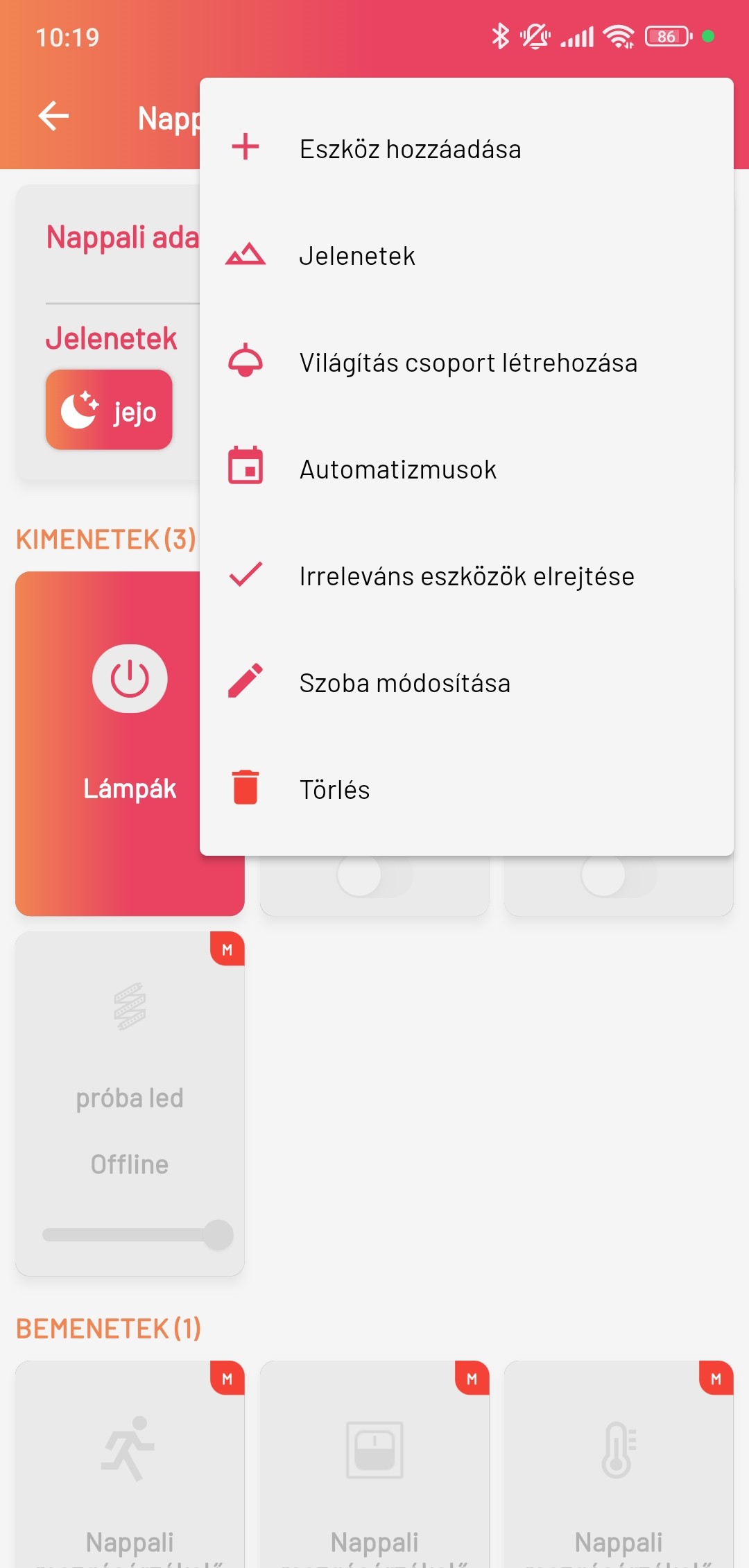
In the Smartive app, Scenes let you execute various functions as one composite action manually or automatically. You can do this by, in the selected room in the app, pressing the menu button in the top-right corner and selecting the Scenes menu item.
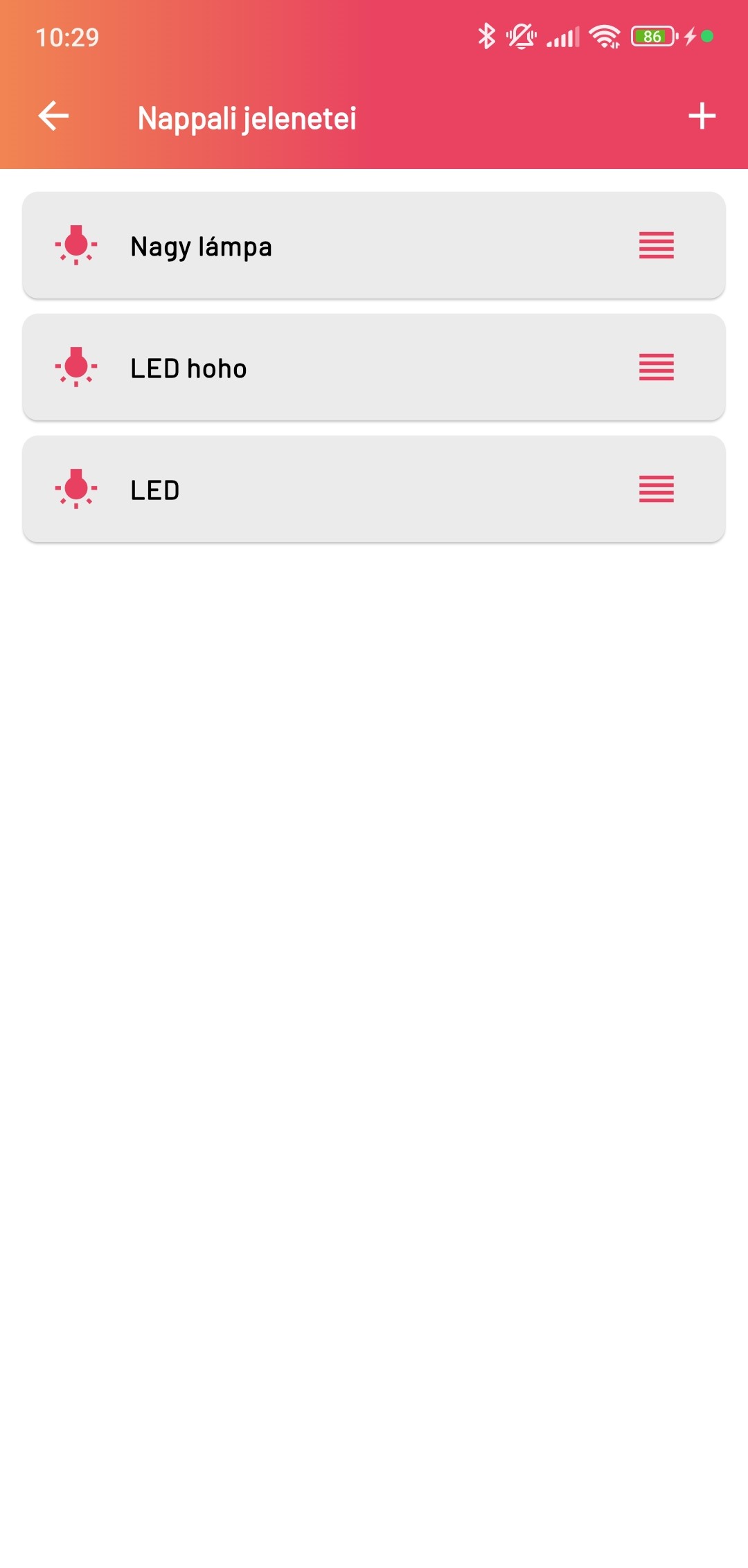
This navigates to the Scenes list, where you can see every scene belonging to the room. By tapping the + button in the top-right corner of the screen you can create a new scene.
Creating a scene
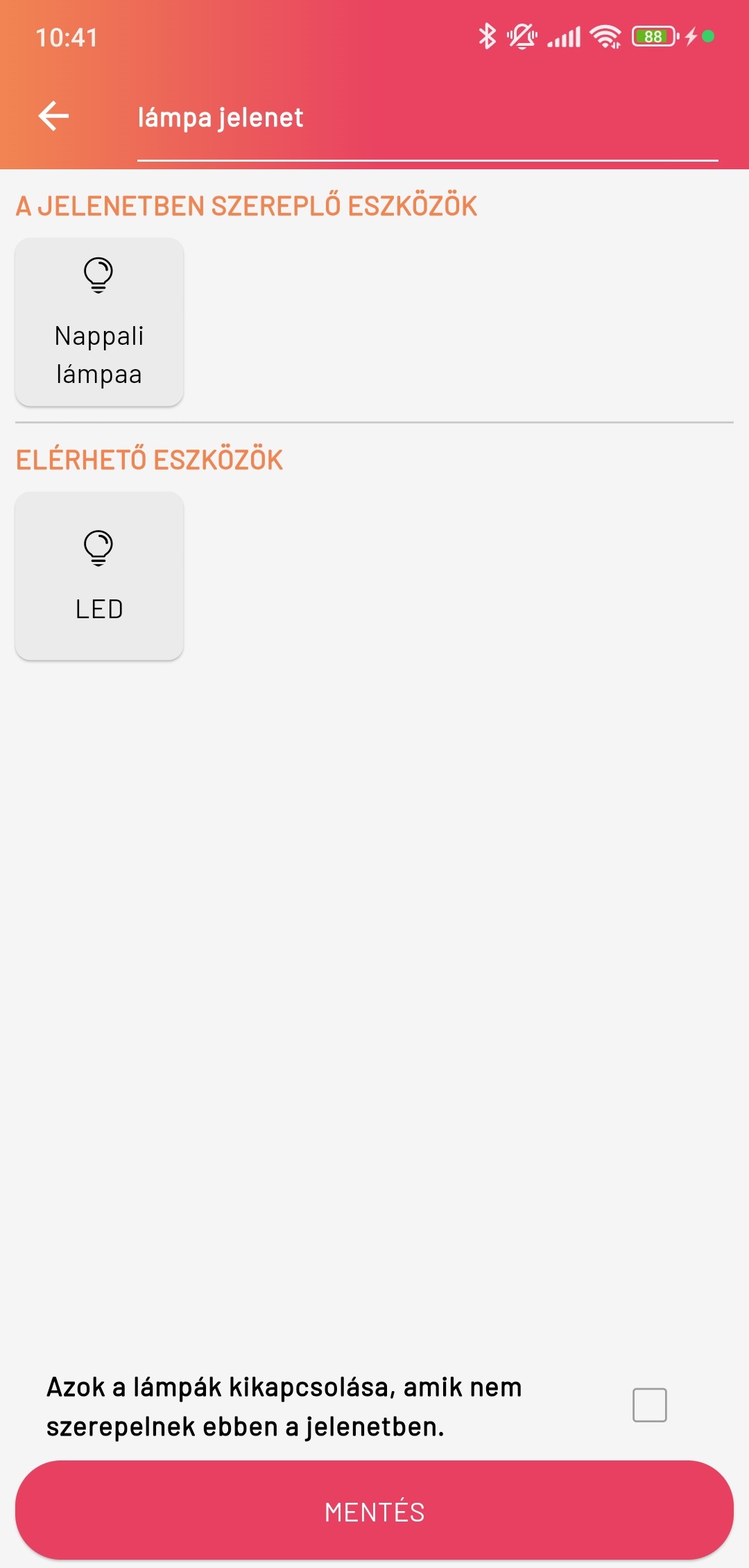
To create a scene you first need to give it a name, then you can select which of the available devices you want to take part in the scene. When you select one, it moves from the "Available devices" section to the "Devices in the scene" section.
If you want to add an LED strip to the scene, after you select the LED strip a window appears where you can set how it should light.
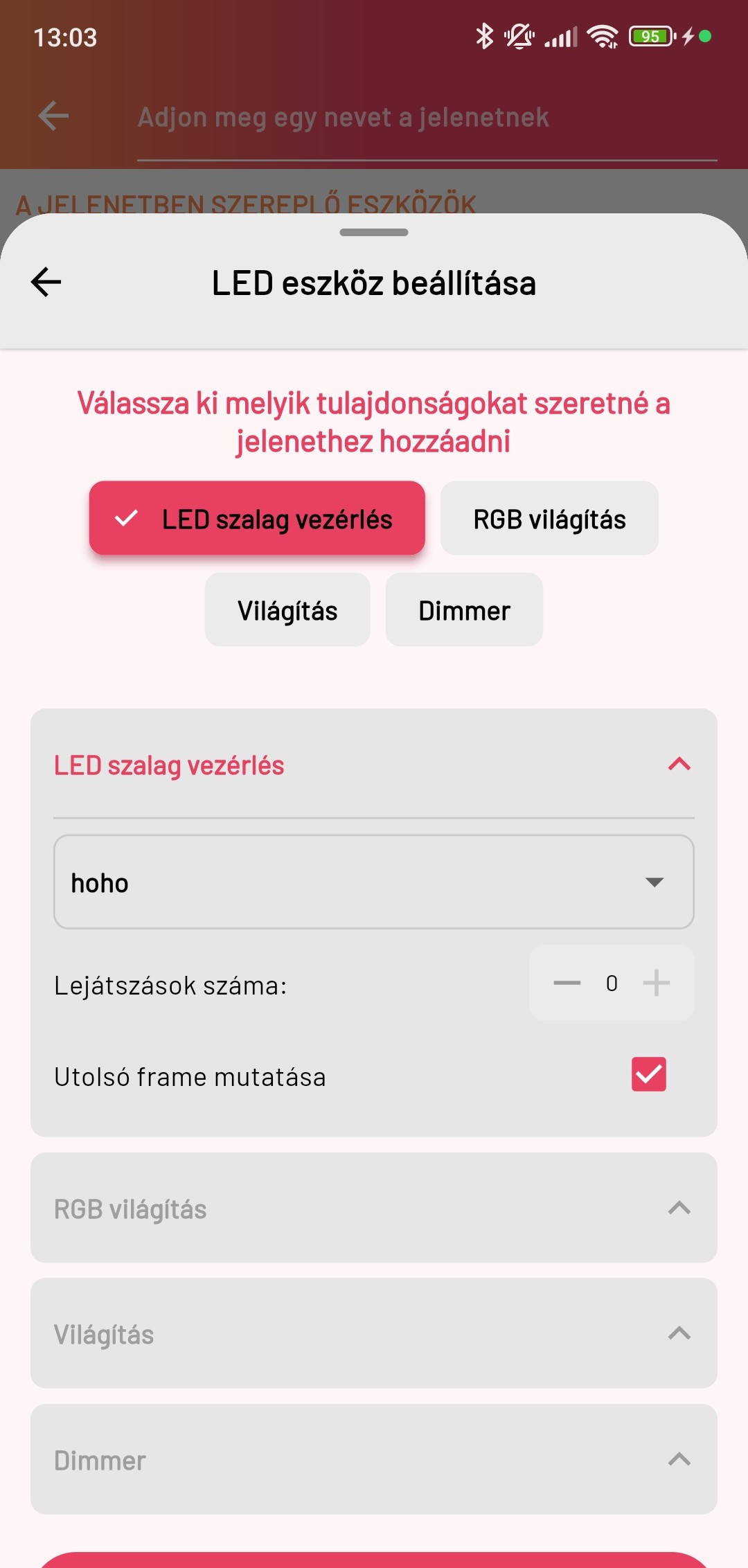
- LED strip control: Here you can select which animation you want to play, set the number of repeats, and whether it should stay on the last frame.
- RGB lighting: Here the LED strip will light continuously in the selected colour.
- Lighting: Here you can only set whether the LED strip is on or off.
- Dimmer: Here you can set the LED strip brightness from 1–100%.