Alarm
The Smartive app lets the connected devices be used together so that they function as an alarm system.
After the alarm is armed, 1 minute is available to leave the premises. If it then detects motion, there is another 1 minute to disarm the system, otherwise it alarms. An immediate notification of the alarm arrives on the user’s phone. It can be disarmed with the PIN code set in Settings or with a fingerprint.
The animations and sound signals set for this activate on alarm; these are predefined automations. They can be generated automatically in the Automatically generate automations menu item. You can read more about this under Automations. The motion sensors can also be customized; you can select which one starts the alarm.
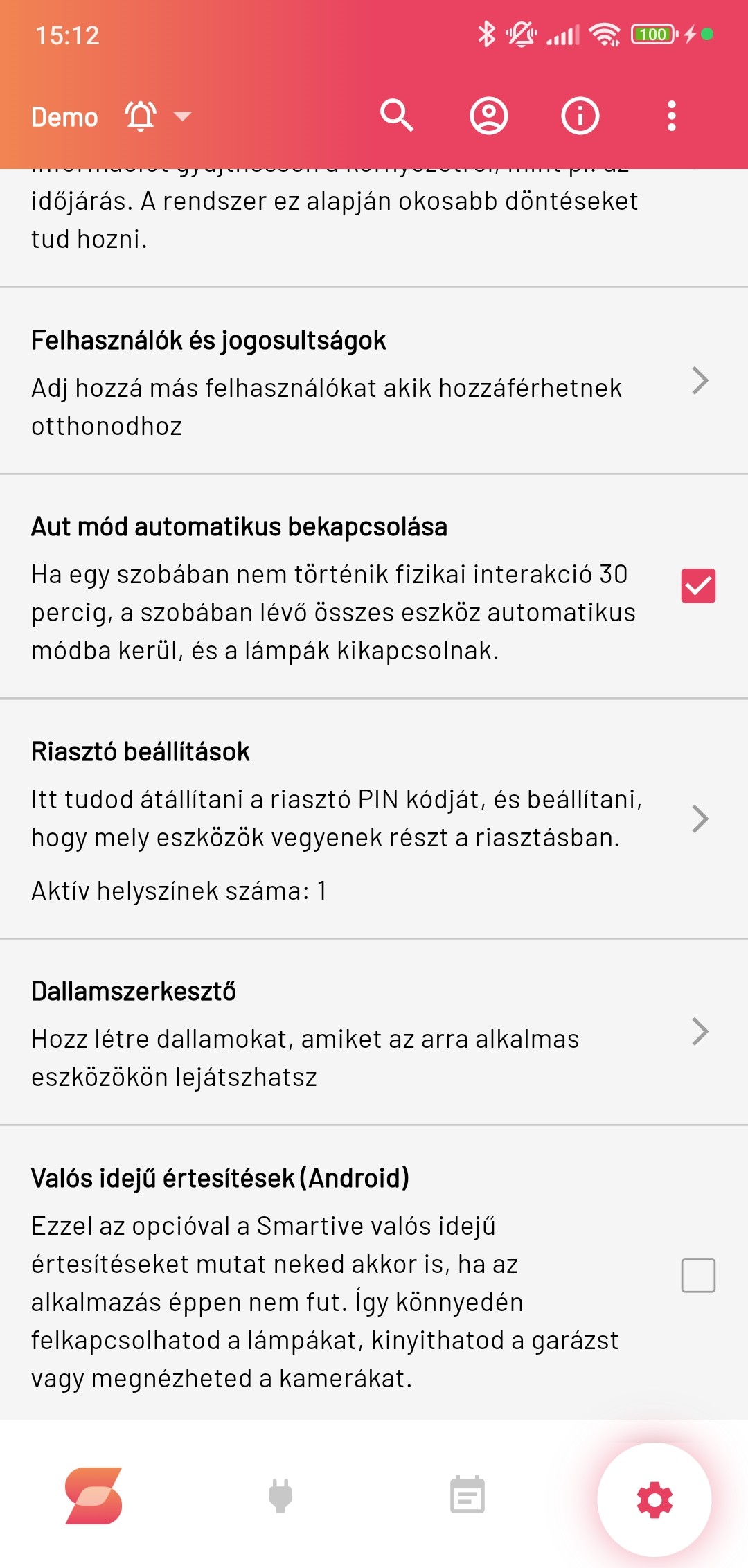
The system arms automatically if every registered phone leaves the home and there is no motion for 15 minutes, and disarms if any phone arrives home. This works based on GPS, Wi-Fi or a combination of these. This can be set in the alarm menu. Importantly, in Settings you must set the Location and the Alarm settings.
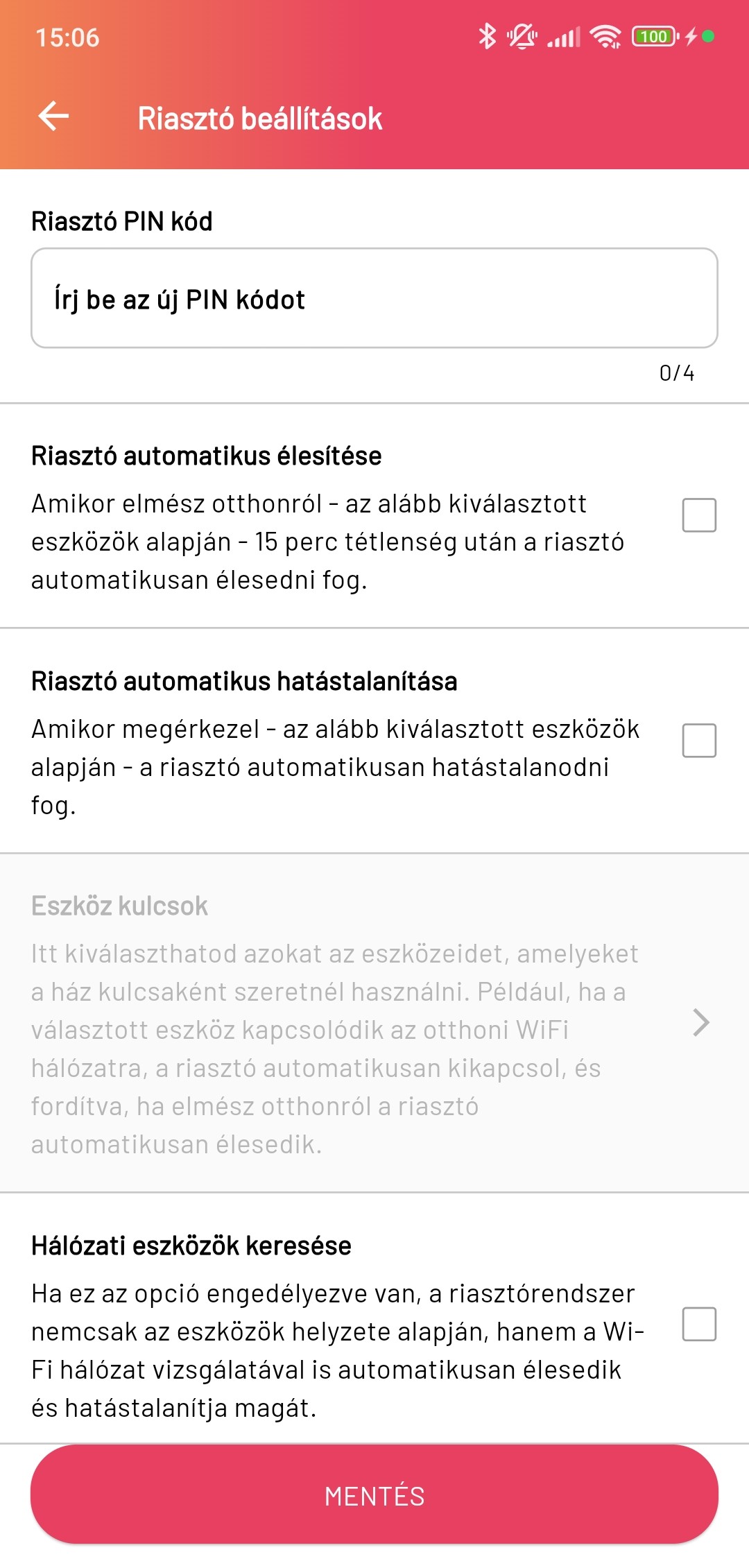
Alarm settings:
- Alarm PIN code: The PIN code required to disarm the alarm, 4 characters long.
- Automatic alarm arming: If enabled, the alarm arms automatically if every registered phone leaves the home and there is no motion for 15 minutes.
- Automatic alarm disarming: If enabled, the alarm disarms automatically if any registered phone arrives home.
- Device keys: here you can specify which phones’ presence is required for automatic alarm arming and disarming. The system checks phone presence based on GPS, Wi-Fi or a combination of these.
- Search for network devices: If this is enabled, the system also watches for the presence of Wi-Fi network devices for automatic alarm arming and disarming, not only GPS.
- Motion sensors taking part in the alarm: Here you can specify on which motion sensors’ signal the alarm should activate.