Dashboard
The Dashboard is the central screen of the Smartive app, where you can review the system status and control devices. The Dashboard provides a personally customizable surface where users can place various widgets for themselves, giving quick access to the most important information and functions.
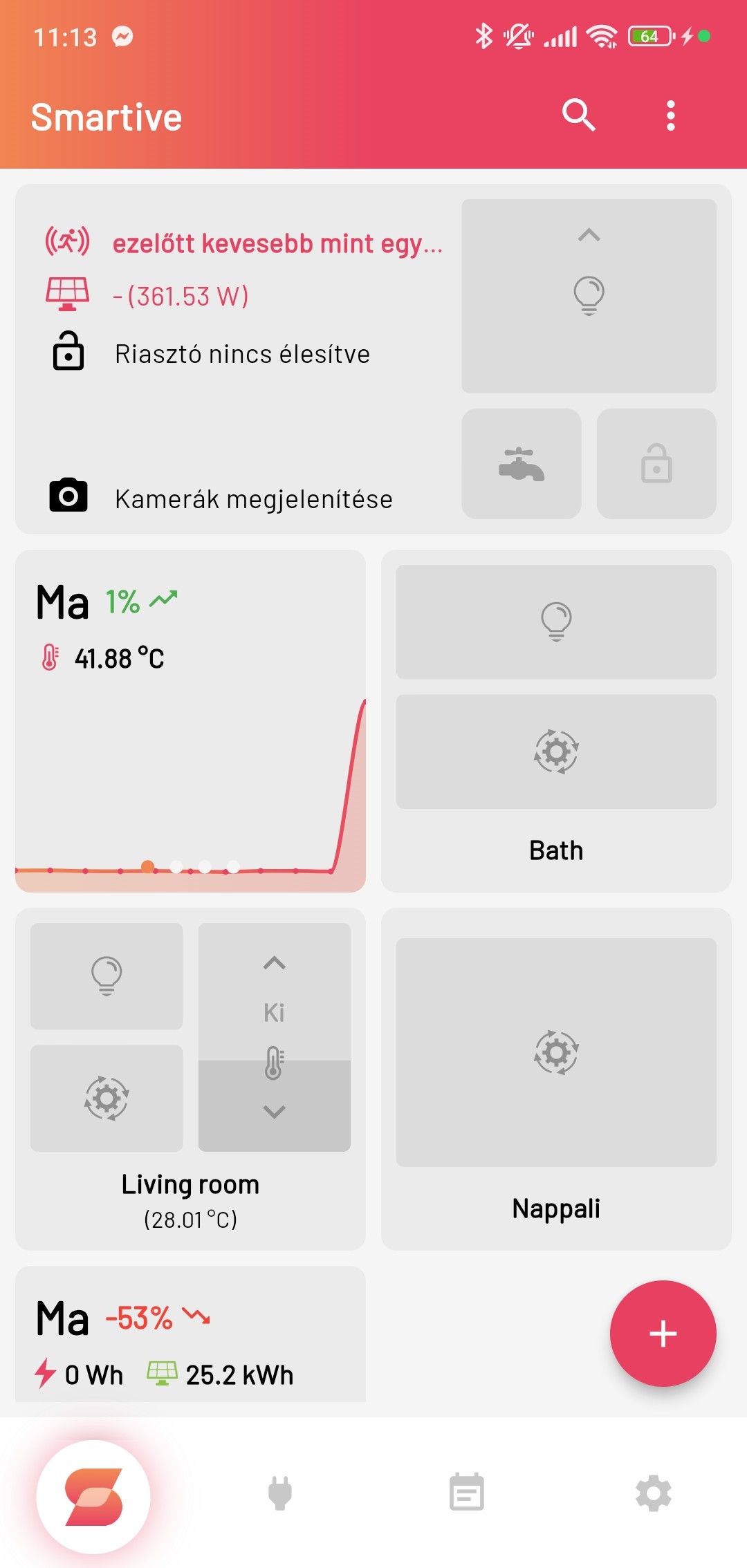
Pressing the + button in the bottom-right corner shows a menu with 4 options:
+ icon, add widget: Choosing this opens a window where you can select what type of widget you want to add to the Dashboard; these can be:
- Overview
- Temperature
- Exchange-rate fluctuation
- Room
- Scene
- Motion
- Camera
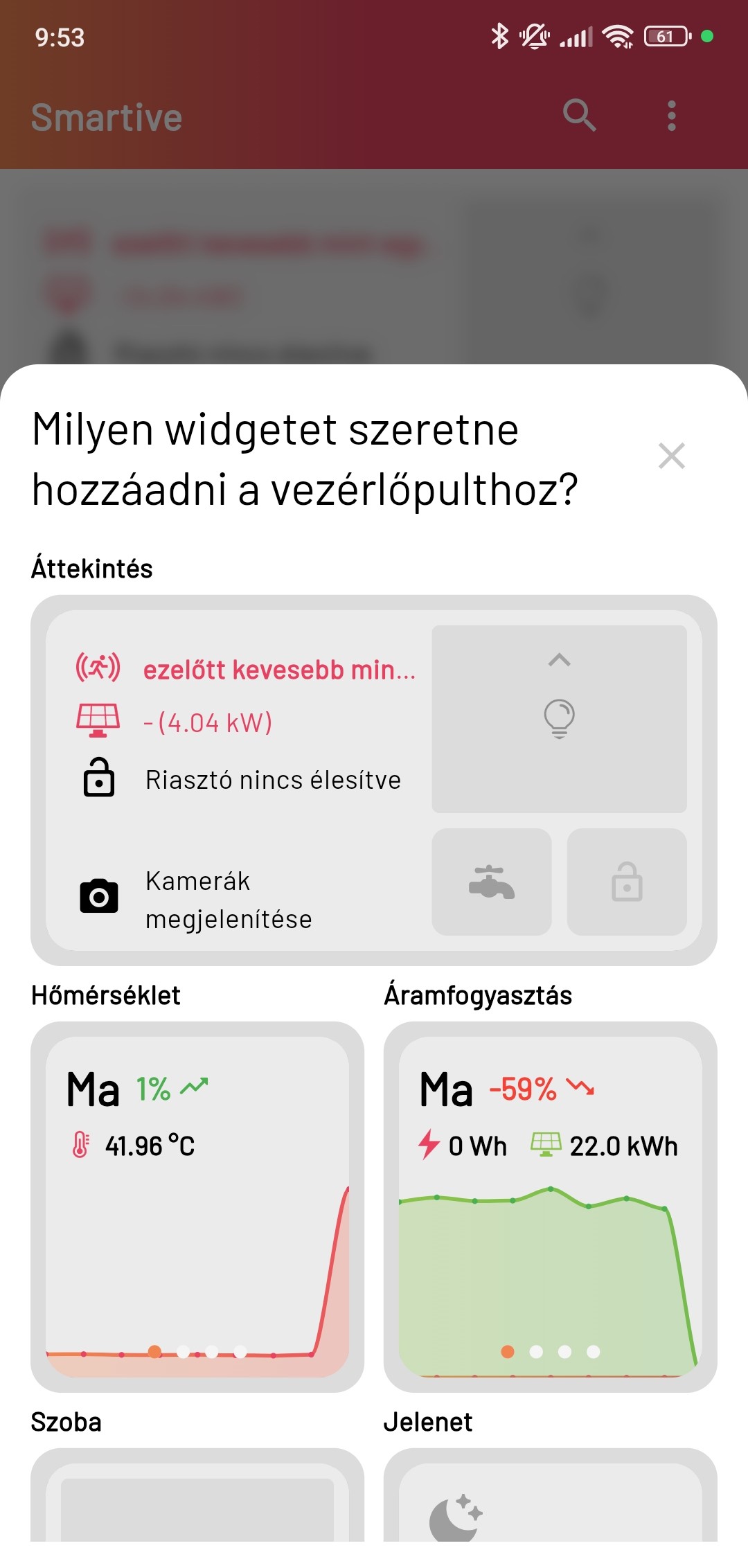
After you select one, the widget is added to the Dashboard immediately.
Pencil icon, edit widget: With this option you can edit existing widgets, for example move, resize or delete them.
House+ icon, add new room: With this option you can add a new room to the Dashboard, and assign various devices to it.
Time-back icon, reset: With this option you can restore the Dashboard to its default state; every change is deleted. The app asks whether you really want to continue this action, so you are protected against accidental deletion.
{primary} If you long-press one of the rooms on the Dashboard, a colour picker menu appears; if you pick a colour there, every LED strip in that room switches to that colour.