Rooms
Rooms are the mapping of the rooms in our home in the app.
On the Dashboard, pressing the
+
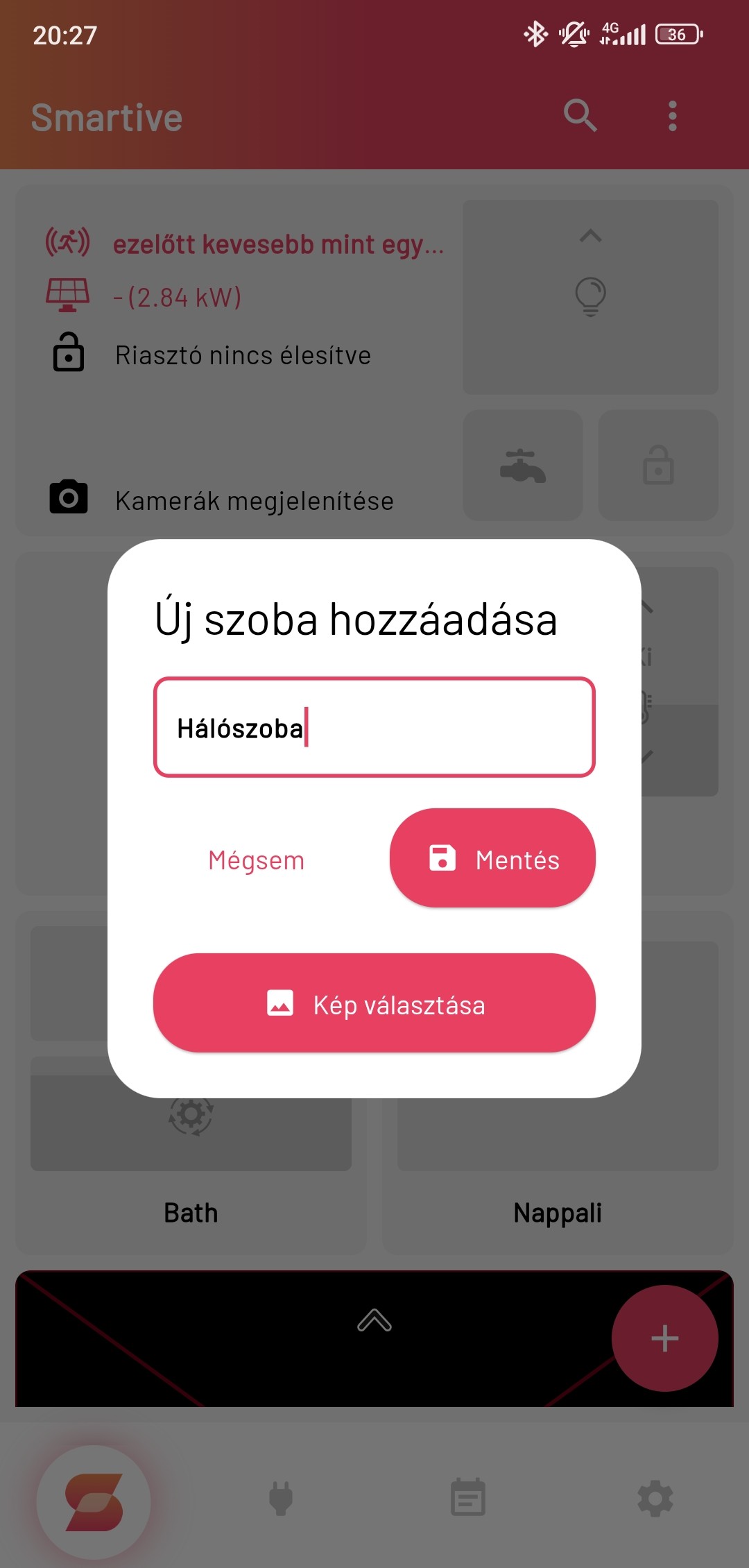
button in the bottom-right corner shows a small menu; selecting the House + menu item there opens the Add new room window,
where you can give the new room a name, and a picture if you want.
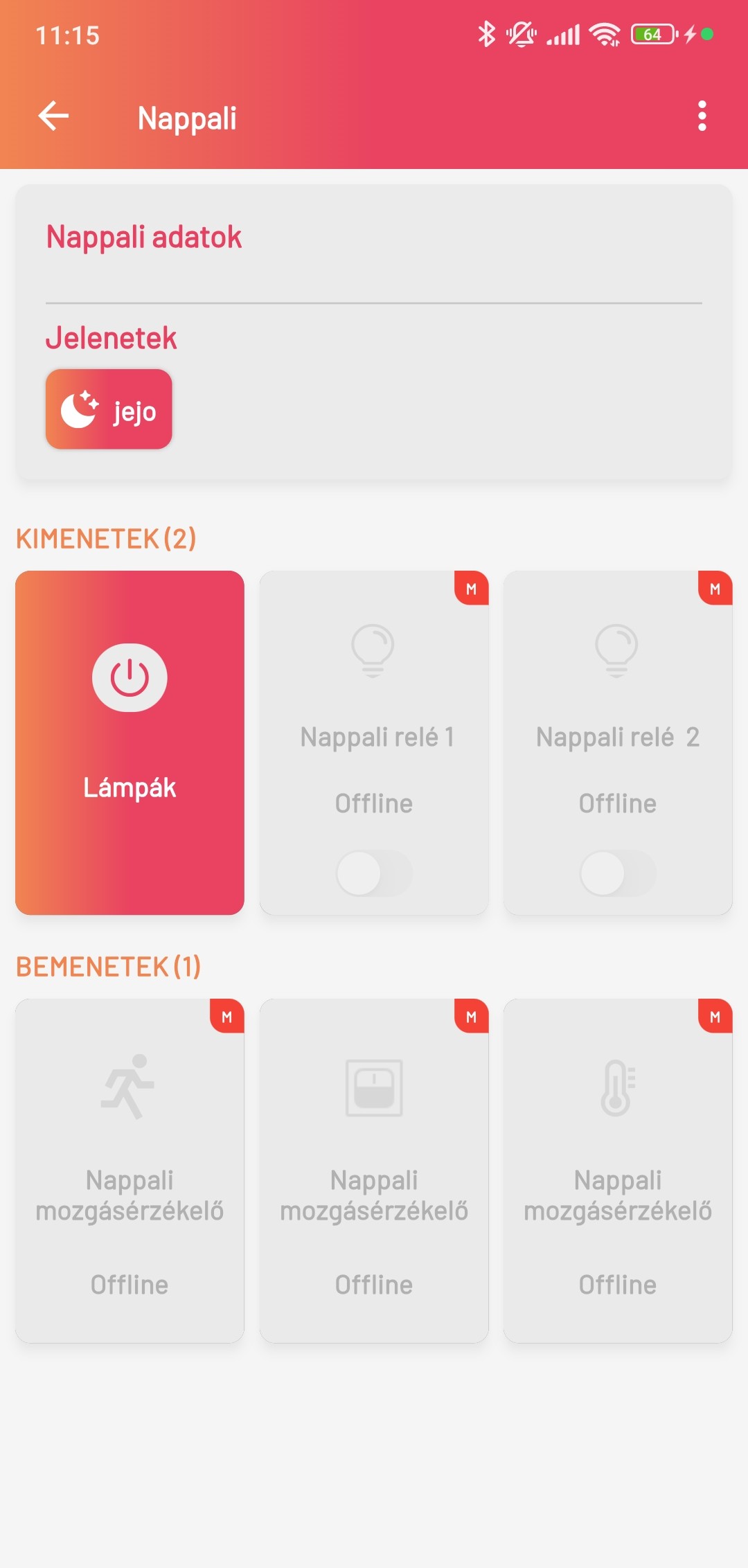
In the selected room you can see a widget summarizing the room details and the devices already assigned to the room as Outputs and Inputs. Outputs are the devices you can control, such as lighting or shutters. Inputs are the devices that sense the environment, for example temperature or motion, as well as smart switches. In addition you can also see the scenes assigned to the room.